> For the complete documentation index, see [llms.txt](https://docs.coherence.io/llms.txt). Markdown versions of documentation pages are available by appending `.md` to page URLs; this page is available as [Markdown](https://docs.coherence.io/1.2/learning-coherence/campfire-project/a-unique-object-with-complex-state.md).
# A unique object with complex state
#### **Topics covered**
[Network Commands](/1.2/coherence-sdk-for-unity/networking-state-changes/commands.md) | [Seamless authority transfer](#picking-up-when-somebody-leaves) | [Optional server-side logic](#running-this-logic-on-a-server-simulator)
It's often the case that in addition to objects being fully owned by players, like their characters, there is often the need to have objects that exist only in **one copy** in the world and that need to store a complex state that needs to be reflected in the same way on each Client. And the state might not be a simple `int` or `bool` that can be just automatically synced over the network whenever it changes, but something more complex that requires to be elaborated.
This is often the case for more invisible objects like a leaderboard, a spawn point, a score counter or a match timer; but can also be the case for objects that have graphics.
## Our use case
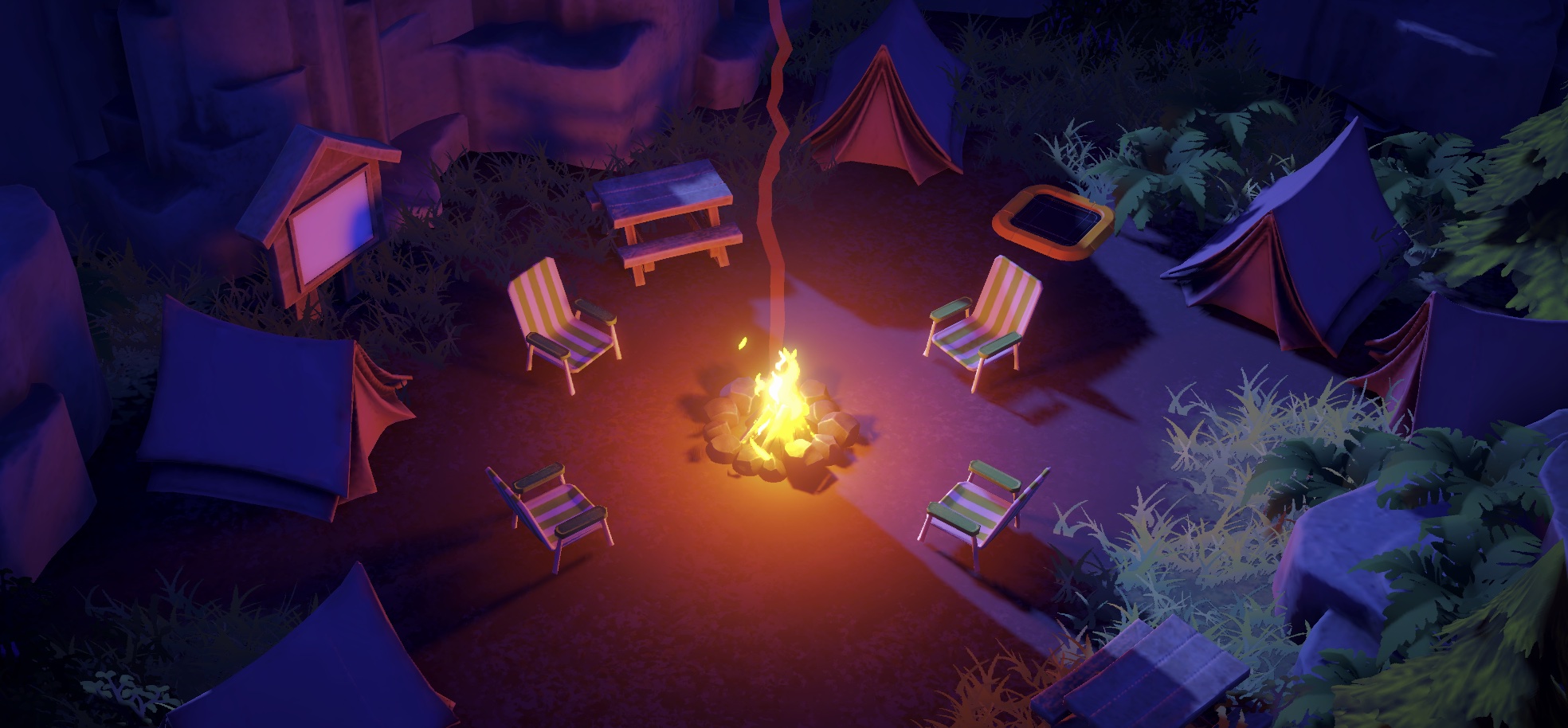
An example of such an object, that also happens to be very central to this demo, is the campfire. As the players pick up objects and throw them on the fire, the campfire needs to perform a calculation based on a timer and the type of the object burned to decide which fire effect to play.
Timing is key here! If two players throw in two objects, one right after the other, they activate a special effect that makes the campfire burn bigger and brighter. But the two objects need to get on the fire within 2.5 seconds from each other (it's the `teamEffortLength` variable in the `Campfire.cs` script).
Because this calculation depends on the timer value that is managed by the Authority, we can't just independently calculate a result on each Client, as they would almost certainly end up with different results. We need to inform the Authority that the action is taking place, let it figure out the final state, and only then propagate the resulting state and actions to all Clients.
This is in a way similar to [what happens with the trees](/1.2/learning-coherence/campfire-project/remote-interactions-trees.md). The event flow is very similar:
**(1)** Action happens on a Client -> **(2)** Authority campfire is notified, processes result -> **(3)** Authority campfire sends result to all others -> **(4)** Non-authority campfire objects execute local effects
We do have an extra challenge here though. Ultimately we want the Authority to inform everyone to play specific visual and sound effects depending on the object burned. But we can't send Network Commands with a reference to audio assets or particle systems. So we need to change this information to something we can send, and then on the receiving end, "unpack it" and transform it into the info we actually need (i.e., which sound).
{% hint style="info" %}
Right now, we are looking at things in the context of a setup where Authority on the campfire is on one of the Clients. It is totally possible to give the Authority to a Server (and in fact we do in this project, see [the end](#what-if-the-authority-is-on-the-server-simulator) of this page), but the actual logical process doesn't change at all.
{% endhint %}
### The code
If you look into the `Campfire.cs` script, you will find this sequence of actions as exemplified by the flow below:
**(1)** The player throws an object on the fire. `BurnObjectLocal()` is invoked by the `Burnable` that collided with the `Campfire`. The script checks if Authority is already on this Client:
```csharp
public void BurnObjectLocal(CoherenceSync syncToBurn)
{
//...
if (_sync.HasStateAuthority)
BurnObject(syncToBurn.CoherenceSyncConfig.ID);
else
_sync.SendCommand(nameof(BurnObject), MessageTarget.AuthorityOnly, syncToBurn.CoherenceSyncConfig.ID);
}
```
The method invoked in both cases is `BurnObject()`, but it's invoked differently depending on whether it is local (direct invocation) or remote (using `SendCommand` via the `CoherenceSync`).
We use the ID of the `CoherenceSyncConfig` of the object that burned as a parameter. The ID is a string, so it's something we can send over the network.
{% hint style="info" %}
For more info on `CoherenceSyncConfig` check out [this page](/1.2/coherence-sdk-for-unity/asset-management/using-coherencesyncconfig-to-instantiate-gameobjects-locally.md).
{% endhint %}
**(2)** The logic for which fire effect to play is then calculated in `BurnObject()`.
The campfire uses the `CoherenceSyncConfig` ID as a key to look into the `CoherenceSyncConfigRegistry`, and find the right object archetype to play the right effect.
```csharp
[Command(defaultRouting = MessageTarget.AuthorityOnly)]
public void BurnObject(string syncConfigID)
{
if (RetrieveBurnableInConfigRegistry(syncConfigID, out Burnable burnable))
{
// Did two objects get burned at the same time? Calculate big fire time
// IsBigFireOn = ...
ChangeFireState(IsBigFireOn ? burnable.bigFireEffectType : burnable.fireEffectType, syncConfigID);
}
}
```
{% hint style="info" %}
For more info on `CoherenceSyncConfigRegistry` check out [this page](/1.2/coherence-sdk-for-unity/asset-management.md).
{% endhint %}
**(3)** `ChangeFireState()` is invoked locally on the Authority. Here the Authority updates its own property `activeFireEffect` which, being a synced property, gets sent to the other Clients.
```csharp
private void ChangeFireState(FireEffect.EffectType newEffectType, string syncConfigID = "")
{
// Inform other clients
_sync.SendCommand(nameof(FireStateChanged), MessageTarget.Other, activeFireEffect, newEffectID, syncConfigID);
// Update synced property
activeFireEffect = newEffectID;
}
```
But updating that int wouldn't be enough to tell which sound to play, so we send a command to invoke the `FireStateChanged()` method, passing the `CoherenceSyncConfig` ID which the non-authoritative campfire instances can use to trace down the object that burned in the `CoherenceSyncConfigRegistry`.
**(4)** The non-authoritative clients execute `FireStateChanged()`, which turn on/off the appropriate fire particles, and play a specific sound.
### Picking up when somebody leaves
If the Client (or a Simulator) detaining the authority on the campfire disconnects, we need to make sure that whoever gets assigned authority next can pick up the job exactly where it was left off, and continue simulating the campfire logic without interruption.
That's why in the `Campfire.cs` class we make sure to sync three values:
* `activeFireEffect` is an index (expressed as an integer) of which fire effect should be playing right now.
* `fireTimer` and `bigFireTimer` are two countdowns that indicate how much time the fire will still burn normally or, when in "big fire mode", brighter.
However, there's an opportunity to be smart here. `fireTimer` and `bigFireTimer` are variables that are updated every Update on the Authority, but they are only useful in case the Authority gets transferred. So what we can do using the *Optimization* panel is to reduce the frequency they are sent to other Clients to a much more manageable value of once every second.
This might not be very precise and would have been unacceptable in the case of a visible timer, but here it doesn't matter. To the players this is going to be invisible, but we avoid a lot of network traffic.
### Running this logic on the Server (Simulator)
As mentioned before, this mini state-machine behavior can run perfectly on one of the connected Clients. There is one catch though: this way, if no one is connected, the fire will stop updating because no one is simulating it, and thus it will never burn out.
Try this: connect, throw an object on the fire, disconnect, and reconnect after some time. The value of `fireTimer` will still be the same and so the fire will still be burning no matter how much time has passed.
Using an Authority transfer, it is trivial to let this behaviour run on a Simulator if there is one connected. Look into the `Campfire` class, within `OnLiveQuerySynced`:
```csharp
// ...
if (SimulatorUtility.IsSimulator)
{
_sync.RequestAuthority(AuthorityType.Full);
}
```
With this simple code, whenever a Simulator connects and sees the persistent campfire network entity, it will take Authority over it. If it were ever to go offline and a client is connected, that Client would take back Authority. If the Simulator comes back online, it would steal it again. And so on.
So, as long as a Simulator is connected, the campfire will keep burning :fire:
{% hint style="success" %}
While this is not a cheat-proof solution, it can be useful for various scenarios.
Having a behavior set up this way allows the Prefab and its logic to be used in an offline mode without modification (because the offline player would act as the owner Client). This can be useful to create a free demo version; a tutorial mode; or even to showcase the game in conditions of limited connectivity.
You could launch the game with no Simulators to run a game preview while keeping costs down, like during an Early Access or a Steam festival. Later on when it goes live, the game could be switched to use a Simulator, and no change to the code would be required.
{% endhint %}