> For the complete documentation index, see [llms.txt](https://docs.coherence.io/llms.txt). Markdown versions of documentation pages are available by appending `.md` to page URLs; this page is available as [Markdown](https://docs.coherence.io/manual/networking-state-changes/configure-window.md).
# Configure window
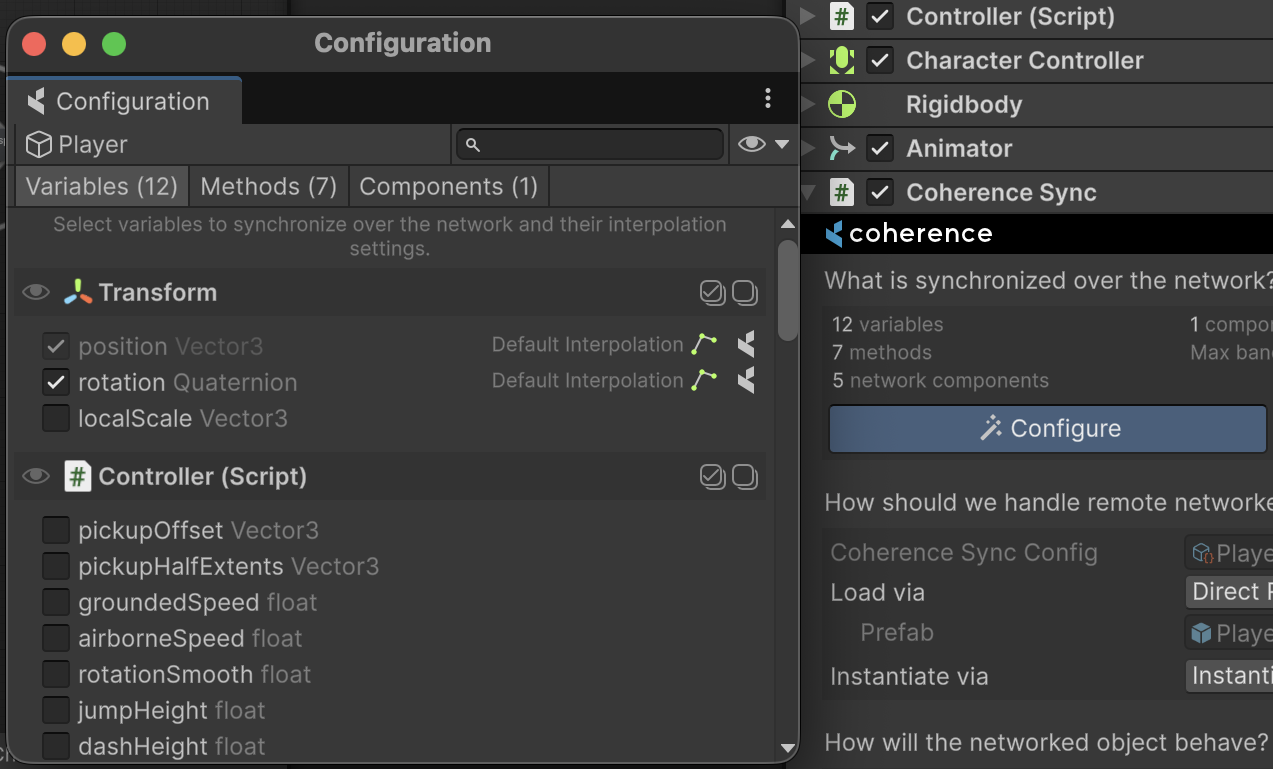
The Configure Window let's assign **what** to network.
#### Variables
Variables selected on this window become network state — they will be replicated to all connected clients automatically.
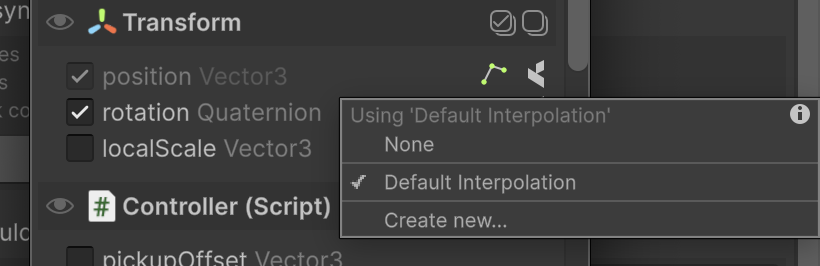
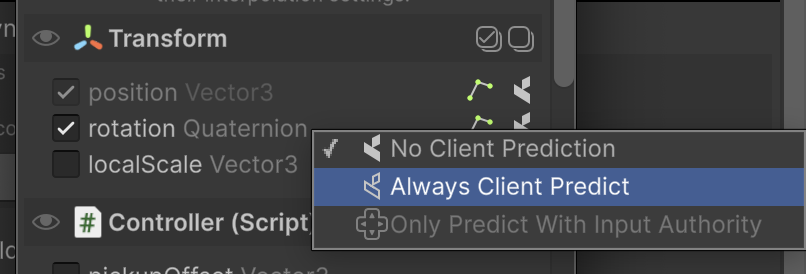
You can control how these variables are [interpolated](/manual/networking-state-changes/interpolation.md) on remote clients, and enable **client prediction**, which doesn't apply updates automatically, letting you decide how.
Picking an interpolation to be used for rotation
Client prediction allows you to roll updates on your own
#### Methods
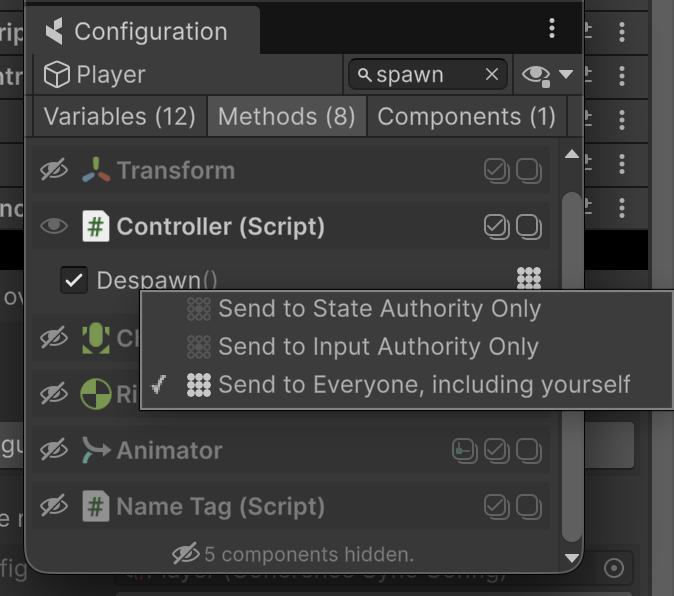
Methods selected on this window become available as [commands](/manual/networking-state-changes/commands.md). You can decide the routing allowed for each method.
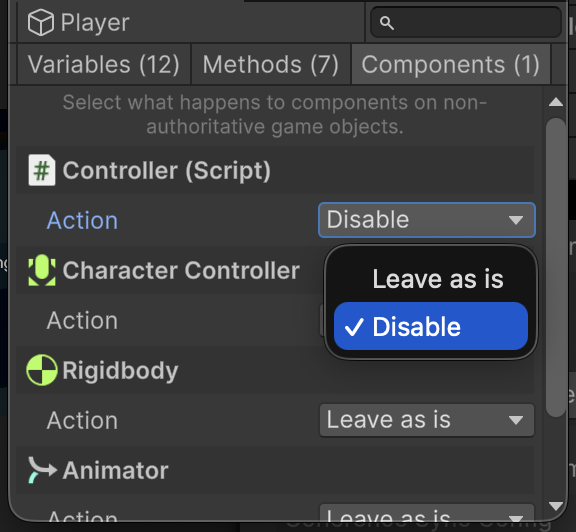
#### Components
This section doesn't change what to network — instead, decides what happens when the entity is networked. Specifically, when an entity gains or loses [authority](/manual/networking-state-changes/authority.md).
Different component types offer different component actions. You can [write your own](/manual/networking-state-changes/custom-component-actions.md).
{% hint style="success" %}
Remember to [bake](/manual/baking-and-code-generation.md) when you make changes to your Network Prefabs.
{% endhint %}