

Command-line interface tools
Command-line interface tools explained
Replication Server
      --port=32001                                  The port to listen to.
      --stats-port=32000                            The port to listen for stats scrapers. Also enables pprof.
      --use-p-prof                                  If StatsPort is 0 then setup pprof on port 6060.
      --dump                                        Write network packets to capture files (.packets).
      --dump-reverse                                Write network packets reversing in and out packets
      --frequency=20                                [Obsolete] use SendFrequency instead.
      --send-frequency=20                           The server send frequency.
      --recv-frequency=60                           The server packet receive frequency packets/s. Packets received faster than this will be dropped and the connection throttled.
      --schema=STRING                               The schema file (.schema).
      --disconnect-timeout=5000                     Disconnect timeout (in milliseconds).
      --debug-streams                               Use debug streams.
      --max-entities=65536                          Maximum number of entities allowed.
      --max-clients=200                             Expected maximum number of clients.
      --min-query-distance=0.1                      Minimum distance for query change.
      --web-support                                 [Deprecated] Does this support web connections.
      --public-ip=STRING                            Public IP of the replication server, used by webrtc.
      --web-port=32003                              Port for webrtc, only used if --web-support is true
      --signalling-port=32002                       Port for signalling, only used if --web-support is true
      --out-stats-freq=1                            Frequency, in seconds, of updates to prometheus stats
      --log-stats-freq=0                            Frequency, in seconds, of output of stats to INFO logs. 0 - no output
      --env="prod"                                  Environment in which the server is executed
      --secret="local-development"                  Secret used for API request and client authentication. The default value is used during local development only.
--project-id="local" ID of the project as assigned by the portal.__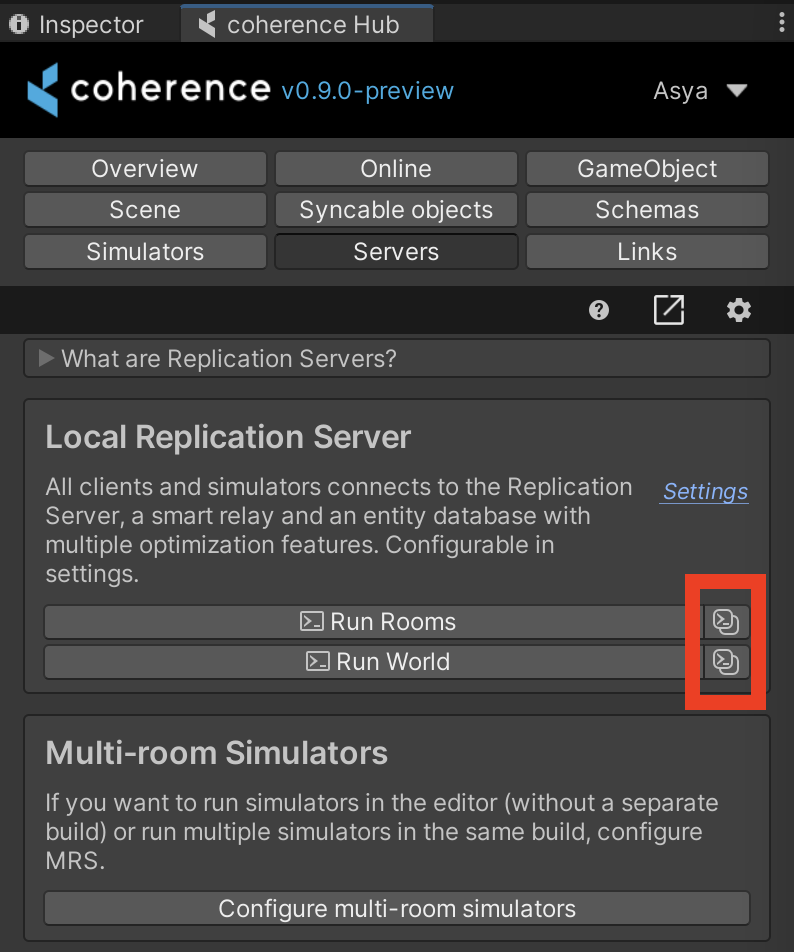
Last updated
Was this helpful?