# Samples and tutorials

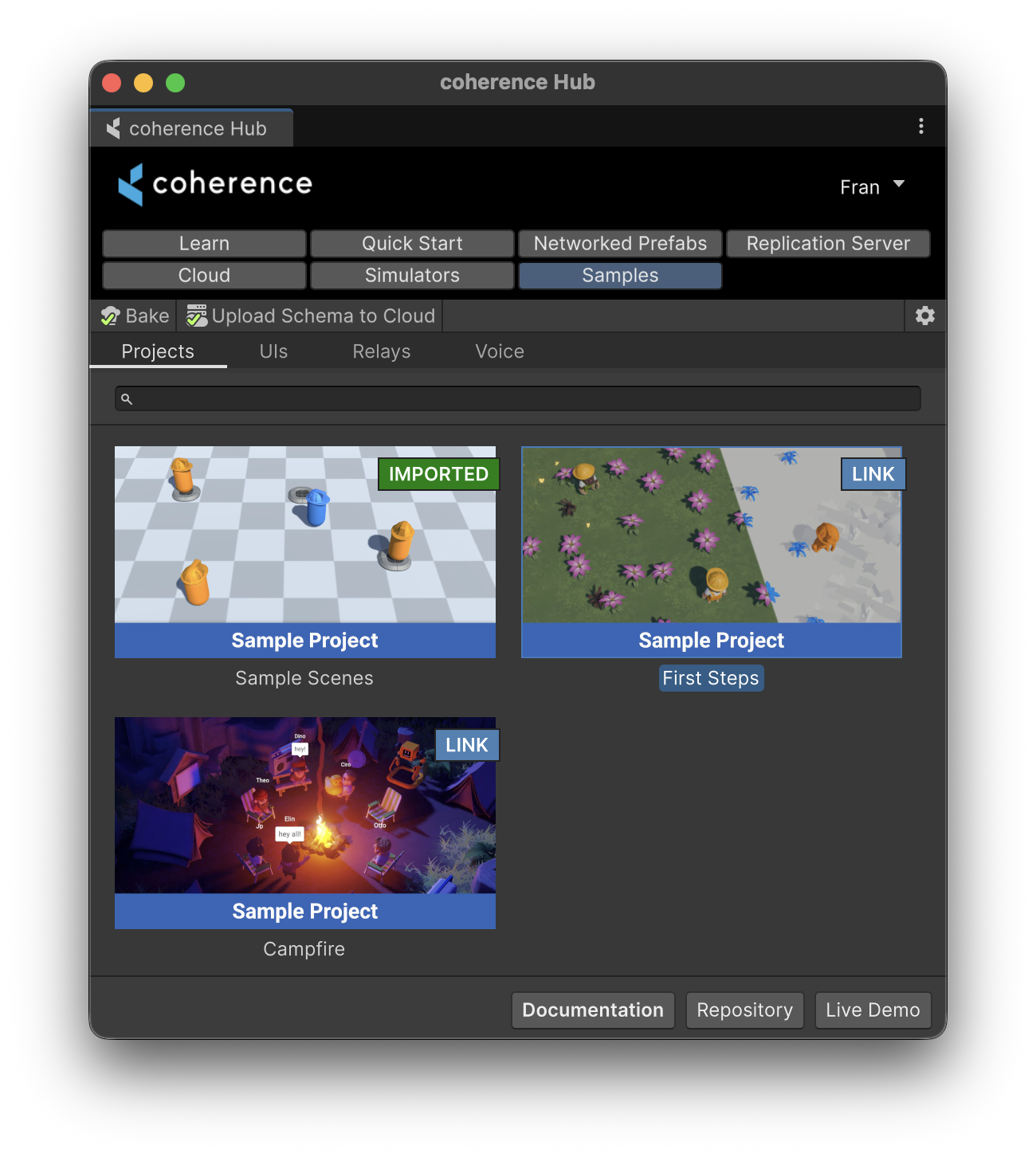
Once you [install the SDK](/getting-started/installation.md), you will have access to a variety of **Samples**, which you can access through the Hub.

<figure><img src="/files/Pe6HqUdPEKRSRWAOcKSd" alt=""><figcaption><p>Samples tab in the coherence Hub</p></figcaption></figure>

{% hint style="info" %}
Most samples in the Hub are implemented as Unity Package Samples, therefore they are available through the **Package Manager** window. However, the Hub implements a higher abstraction layer that improves user experience of installation and upgrading of samples, so we **highly recommend** you use the Hub and not import samples using this window.
{% endhint %}

## Where to start

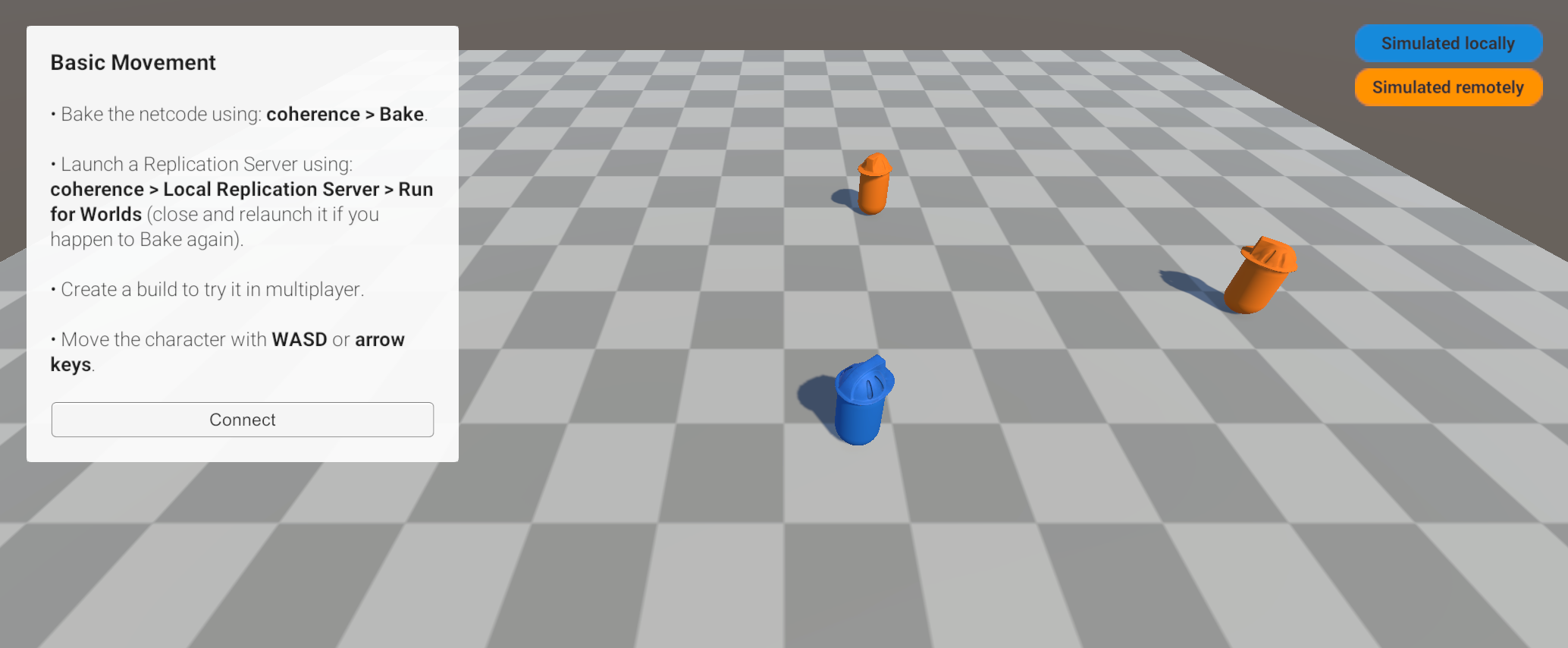
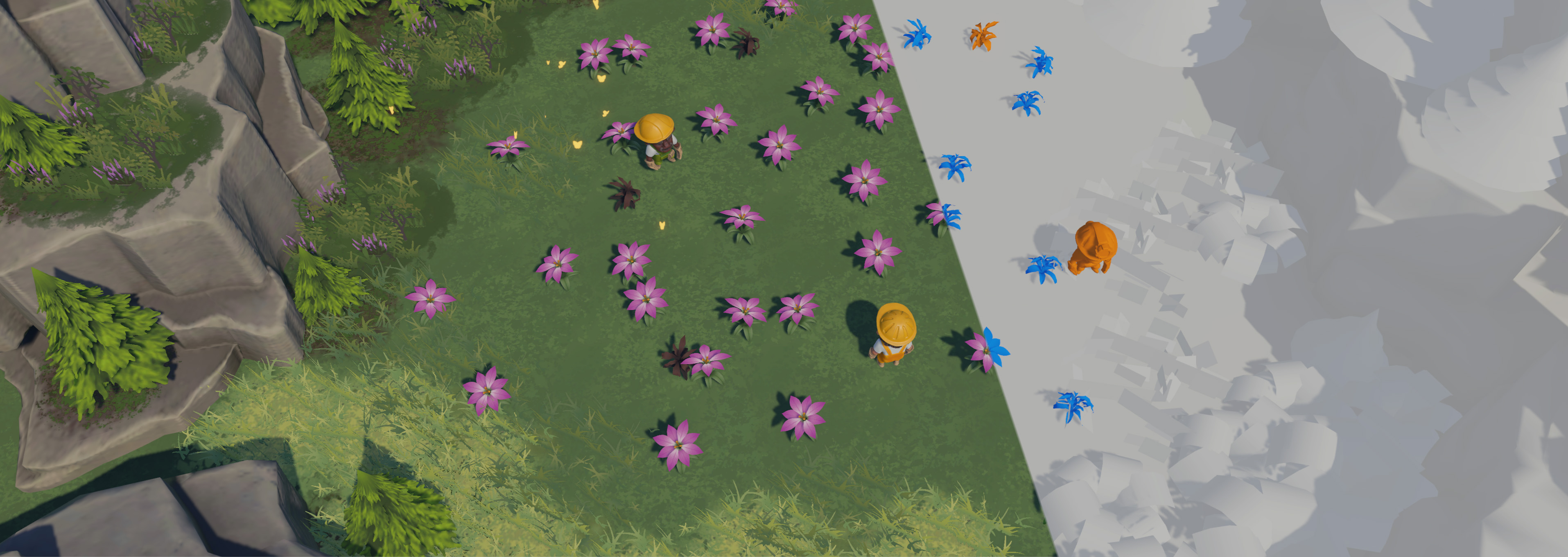
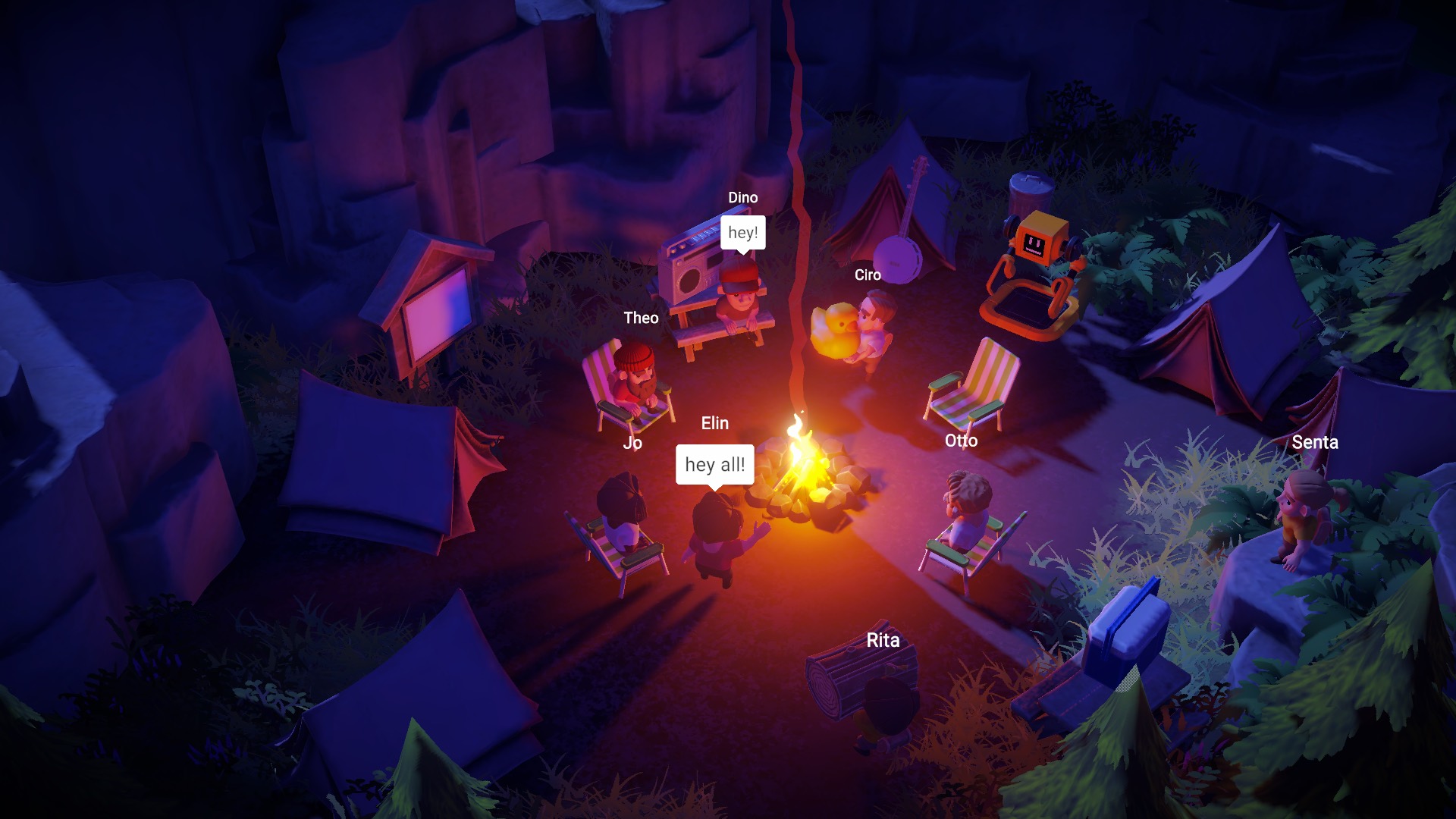
If you prefer to be hands-on, we recommend you start by exploring the [Sample Scenes](/getting-started/samples-and-tutorials/package-samples.md). Or download one of our pre-made Unity projects [First Steps](/getting-started/samples-and-tutorials/first-steps-tutorial.md) or [Campfire](/getting-started/samples-and-tutorials/campfire-project.md), both of which come with great documentation explaining the thinking behind them.

Finally if you're new to networking and you want to read more about the fundamentals, you might enjoy our [Beginner's Guide to Networking](/getting-started/samples-and-tutorials/beginners-guide-to-networking.md). This high-level intro is not coherence-specific, but rather is applicable to any networking technology.

<table data-view="cards" data-full-width="false"><thead><tr><th></th><th></th><th data-hidden data-card-cover data-type="files"></th><th data-hidden data-card-target data-type="content-ref"></th></tr></thead><tbody><tr><td>Sample Scenes</td><td>Included in the SDK, perfect to start</td><td><a href="/files/QtRvmabw6kY4sPsXbIMq">/files/QtRvmabw6kY4sPsXbIMq</a></td><td><a href="/pages/vLtGxOrN3pexllDSRo5Y">/pages/vLtGxOrN3pexllDSRo5Y</a></td></tr><tr><td>First Steps</td><td>Individual scenes showing coherence features</td><td><a href="/files/mTtACXaSp0jGJLUNmz9o">/files/mTtACXaSp0jGJLUNmz9o</a></td><td><a href="/pages/WEETNIhtrltGwe15MqFo">/pages/WEETNIhtrltGwe15MqFo</a></td></tr><tr><td>Campfire</td><td>A project showing more advanced use of coherence</td><td><a href="/files/wWC0EhOLVFch0ytX6JJB">/files/wWC0EhOLVFch0ytX6JJB</a></td><td><a href="/pages/QSwDpmRrHCHCBYXHJExB">/pages/QSwDpmRrHCHCBYXHJExB</a></td></tr><tr><td>Video Tutorials</td><td></td><td><a href="/files/noKJbAdRSNcevqTuafnP">/files/noKJbAdRSNcevqTuafnP</a></td><td><a href="/pages/mUXlXGG011MeTl9Hl49c">/pages/mUXlXGG011MeTl9Hl49c</a></td></tr><tr><td>Beginner's guide</td><td>High-level networking concepts</td><td><a href="/files/8qAUtYtNUP8Oxe0PpCJk">/files/8qAUtYtNUP8Oxe0PpCJk</a></td><td><a href="/pages/oBvbuWpMIVA6sILfAI9k">/pages/oBvbuWpMIVA6sILfAI9k</a></td></tr></tbody></table>


---

# Agent Instructions: Querying This Documentation

If you need additional information that is not directly available in this page, you can query the documentation dynamically by asking a question.

Perform an HTTP GET request on the current page URL with the `ask` query parameter:

```
GET https://docs.coherence.io/getting-started/samples-and-tutorials.md?ask=<question>
```

The question should be specific, self-contained, and written in natural language.
The response will contain a direct answer to the question and relevant excerpts and sources from the documentation.

Use this mechanism when the answer is not explicitly present in the current page, you need clarification or additional context, or you want to retrieve related documentation sections.